Flashcards for Study Notes: 10 Tools and Methods for 2026
Turn class notes and PDFs into flashcards for study notes with 10 practical tools, strong card examples, and workflow tips for students in grades 7–12.
Topics: study flashcards, flashcards for notes, note-taking tips, active recall, study tools
It's Sunday night. You have three weeks of class notes, a highlighted PDF, and a test on Tuesday. You could reread everything, but you need to find out what you can explain without looking.
Good flashcards for study notes turn that pile into questions you can answer. Instead of a card headed “Photosynthesis” with a paragraph underneath, try “What does a plant use light energy to make during photosynthesis?” Attempt an answer, check your class materials, and correct anything you missed.
That process is called active recall, which means bringing information to mind before seeing the answer. A systematic review published in Educational Psychology Review found benefits from retrieval practice across different subjects and education levels, although the findings shouldn't be treated as proof that every flashcard app works equally well.
The tools below are ranked editorially by what happens after you create the cards, especially answer checking, access to source notes, and support for returning to difficult material. This isn't a ranking based on head-to-head learning trials.
A useful deck isn't the one with the most cards. It's the one you can check, explain, and return to.
Table of Contents
- 1. Knobee AI
- 2. Quizlet
- 3. Knowt
- 4. Gizmo
- 5. Brainscape
- 6. Revisely
- 7. Flashka
- 8. StudyFetch
- 9. Google NotebookLM
- 10. Anki
- How the 10 flashcard tools compare on card input, built-in AI card creation, and best use
- Pick One Tool and Test It on Next Week's Notes
1. Knobee AI
Start with your Tuesday test, not with a blank card builder. Paste your three weeks of notes, upload the PDF or slides, or type the unit topic. Knobee AI builds a study set in seconds with flashcards and multiple-choice quizzes tied to that material for students in grades 7-12.
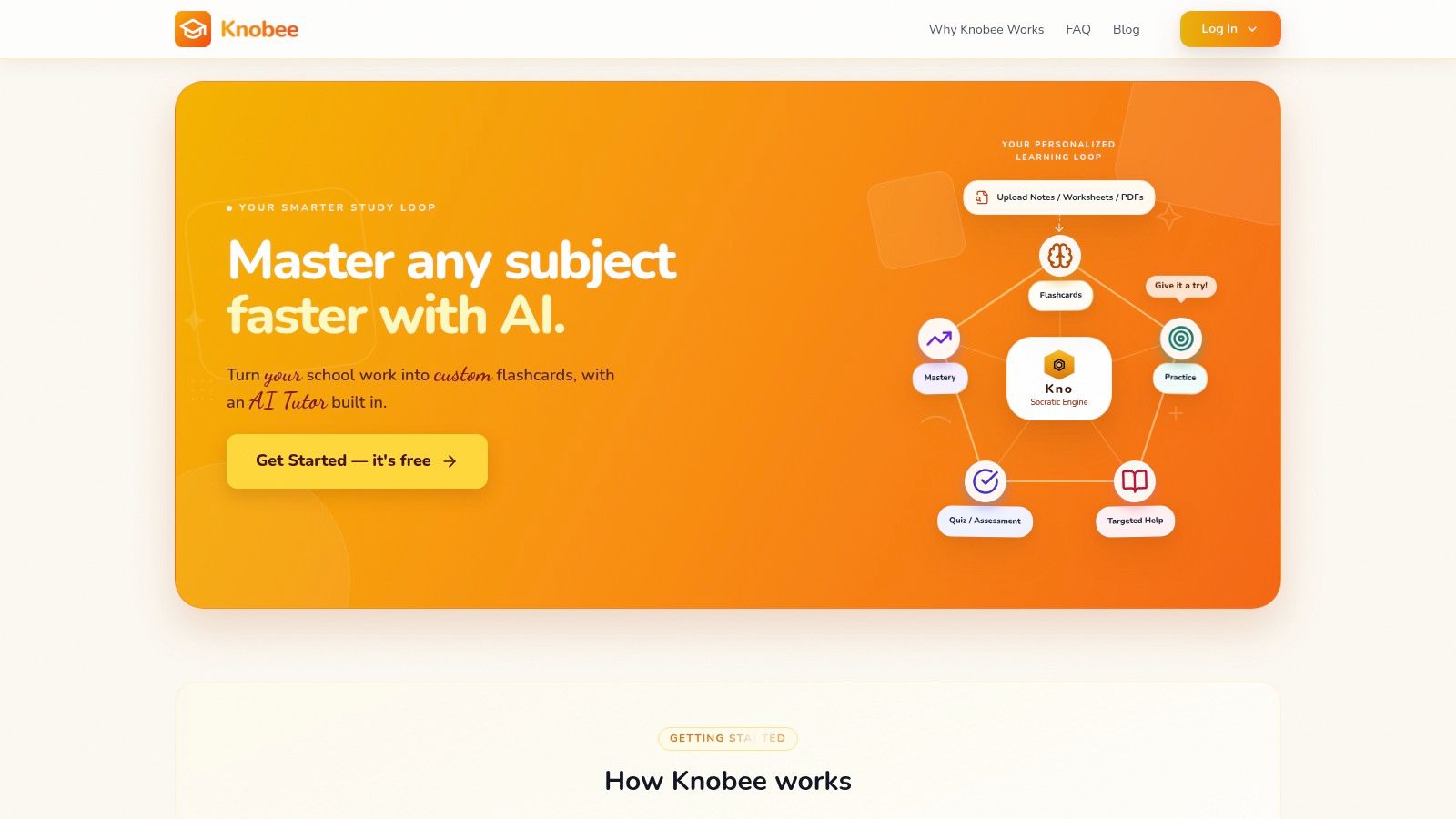
Take a lesson on cell transport as an example. A strong set asks, "What moves through a channel protein during facilitated diffusion?" You try an answer first. You must attempt each flashcard before the answer shows. Then Kno guides you card by card with hints and questions. Worked examples and intuition tips give you a second way into a hard idea.
Content reflects your grade, subject, source material, and curriculum setting. Alignment is available for NGSS for science, Common Core for math, and TEKS for Texas students. Check generated definitions and formulas against your teacher's lesson before you keep studying them.
From notes to checked answers
Study three ways: flip the card, type the answer, or use voice. The card navigator shows where each card stands. Gray means Unseen. Amber means Reviewed, so you saw the answer face and held the card for at least 4 seconds. Green means Mastered.
Mastered has a clear rule. A card becomes Mastered through a correct answer on its matching quiz question or a score of 80% or higher on a Mastery Check. That percentage appears on each set in your library, and it works as a study signal, not a guarantee of a test grade.
Daily Boost keeps difficult material in rotation with short sessions drawn from your sets, weighted toward lower mastery. Review Sheets turn any set into a printable guide in one tap. You can share sets with classmates. If you upload a graded test, the Test Analyzer reads each question, compares your answer to the correct one, and creates targeted practice for your weak spots. Review its explanations with care, like sound travels better in water than in air because denser molecules pass vibrations faster, then confirm details in class materials.
2. Quizlet
Already have a classmate's vocabulary set? Quizlet makes it convenient to find existing cards, but convenience doesn't establish accuracy. Compare any shared deck with your teacher's wording and course scope before studying it.
Quizlet also generates editable cards from your own materials. Supported inputs include notes, documents, slides, and photos of handwritten notes through the mobile app, with connected study guides and practice activities.
Use shared cards as a starting point
For an English literature lesson, begin with your notes on characterization. Replace vague cards such as “Describe the protagonist” with focused prompts about a decision, its motivation, and evidence from the text.
Then explain your answer before revealing the back. A familiar phrase isn't enough if you can't connect it to an example.
- Best fit: Students who want both personal decks and a searchable library of student-created sets.
- Main limit: Some study-guide and practice-test features have restricted free access or require a subscription. Study-guide age restrictions also vary by country.
- Review habit: Put a return session in your calendar rather than assuming that completing an activity means you're finished.
The practical distinction in this guide to memorizing something fast is useful here: use your study time to produce answers, not merely look at them. Keep the original notes nearby for corrections, but close them during each attempt.
3. Knowt
Knowt is worth considering when you want notes, flashcards, and exam preparation in the same workspace. You can create cards manually, generate them from uploaded material, or import an existing Quizlet set.
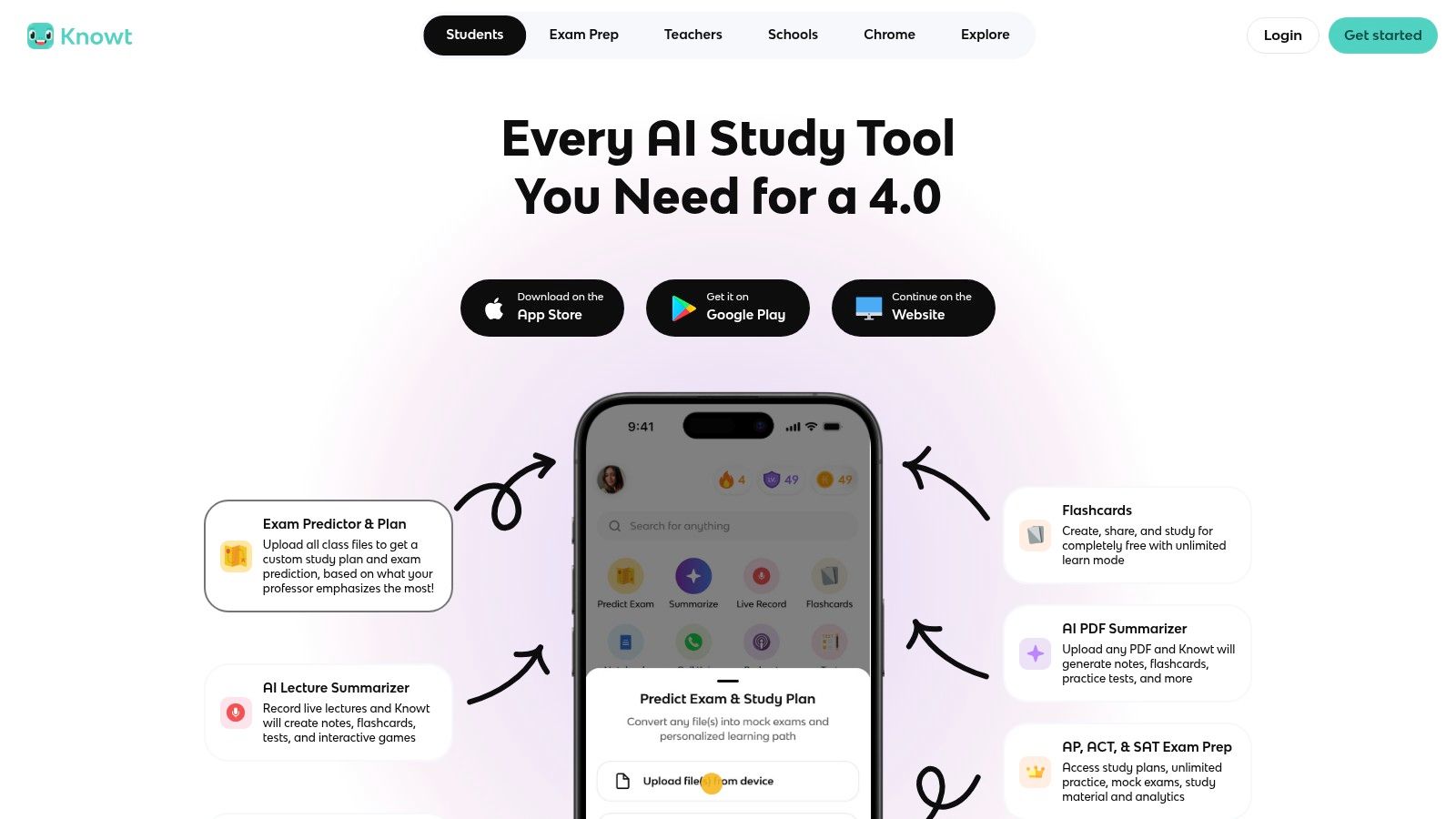
Its flashcard, Learn, match, spaced-repetition, and practice-test modes offer different ways to work with a deck. The free plan includes unlimited manually created sets, while some AI tools have limits.
For a history unit, upload your lesson notes and check whether each card distinguishes a cause, an event, and a consequence. Rewrite any answer that blurs those categories.
- Keep the thinking: Paraphrase generated answers in language you understand instead of accepting every sentence unchanged.
- Choose a purpose: Use recall practice to explain causes, then a practice test to check whether you can distinguish similar events.
- Reduce clutter: Start with a focused lesson deck rather than opening every available study mode.
The Association for Psychological Science's study-strategy guidance emphasizes retrieving answers rather than rereading flashcards. That's a learning principle, not evidence specifically evaluating Knowt.
Knowt's breadth can help students who want an integrated workspace. It can also feel busy if all you need is a plain question-and-answer deck.
4. Gizmo
Your notes may include a worksheet photo, a video explanation, and a recorded lesson rather than a tidy document. Gizmo accepts mixed learning materials and turns them into flashcards and quizzes.
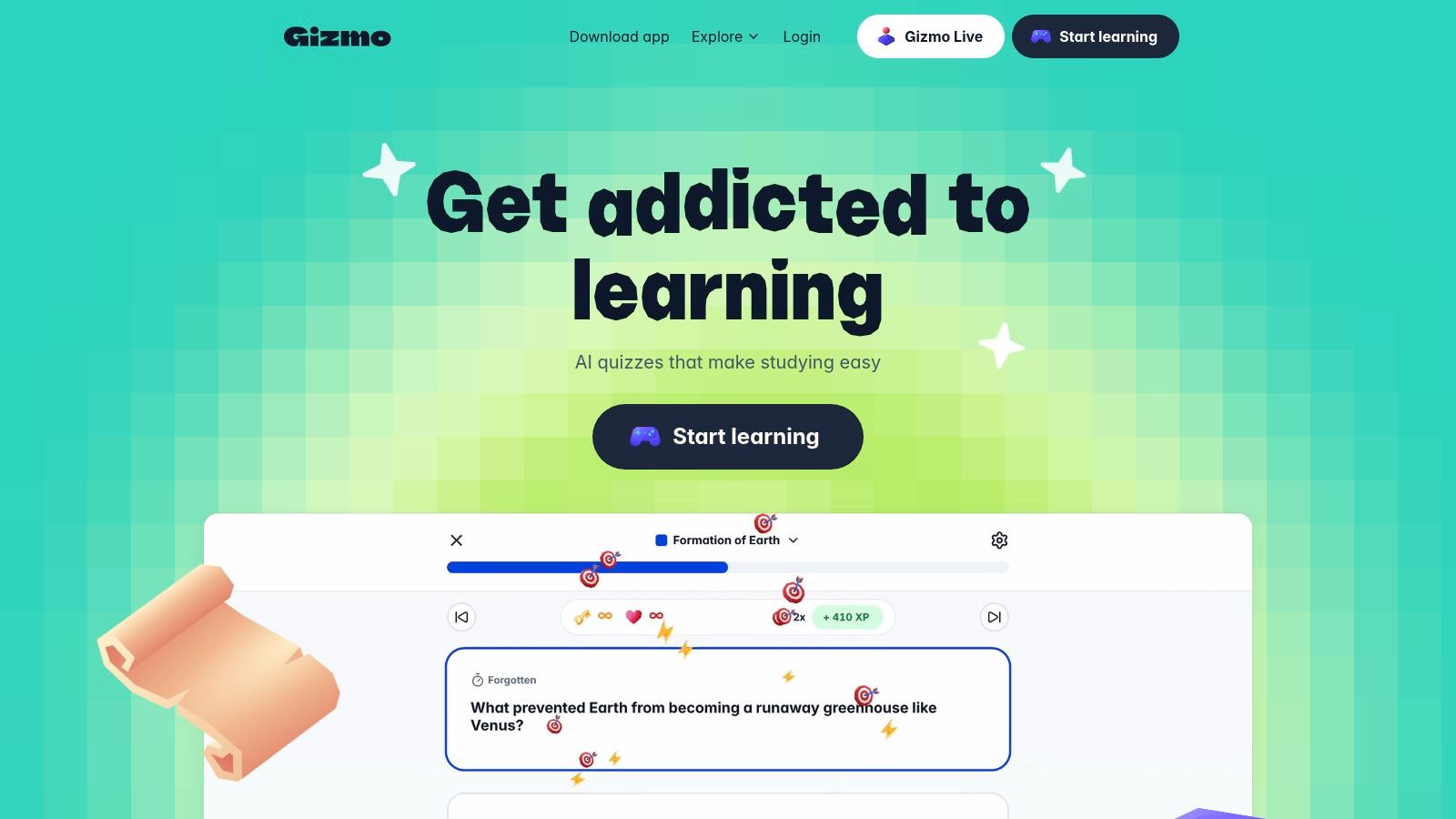
Its active-recall and spaced-repetition features sit alongside an AI tutor, shared decks, and multiplayer quizzes. That combination may appeal if studying with someone else helps you stick with a routine.
Keep games connected to explanations
Say you're studying the water cycle from a video and your teacher's diagram. Generate cards, then compare the terminology and process descriptions with the diagram before inviting a friend to practice.
During shared study, explain why an answer is correct. Don't let quick guesses become your only evidence that you understand the process.
A fast answer can be correct without being well understood. Ask yourself whether you could explain the same idea without the answer choices.
Gizmo's broader input options are useful, but automatic cards can lose context from a recording or video. Check whether a statement depends on a condition that the generated answer left out.
Import and AI-usage limits may affect your workflow, so review the current allowance before uploading a large collection. Its app-first approach may also feel less comfortable if you prefer organizing notes on a desktop.
5. Brainscape
Brainscape puts a clear question at the center of review: how well did you know that answer? Students rate their confidence, and the platform adjusts when cards appear again.
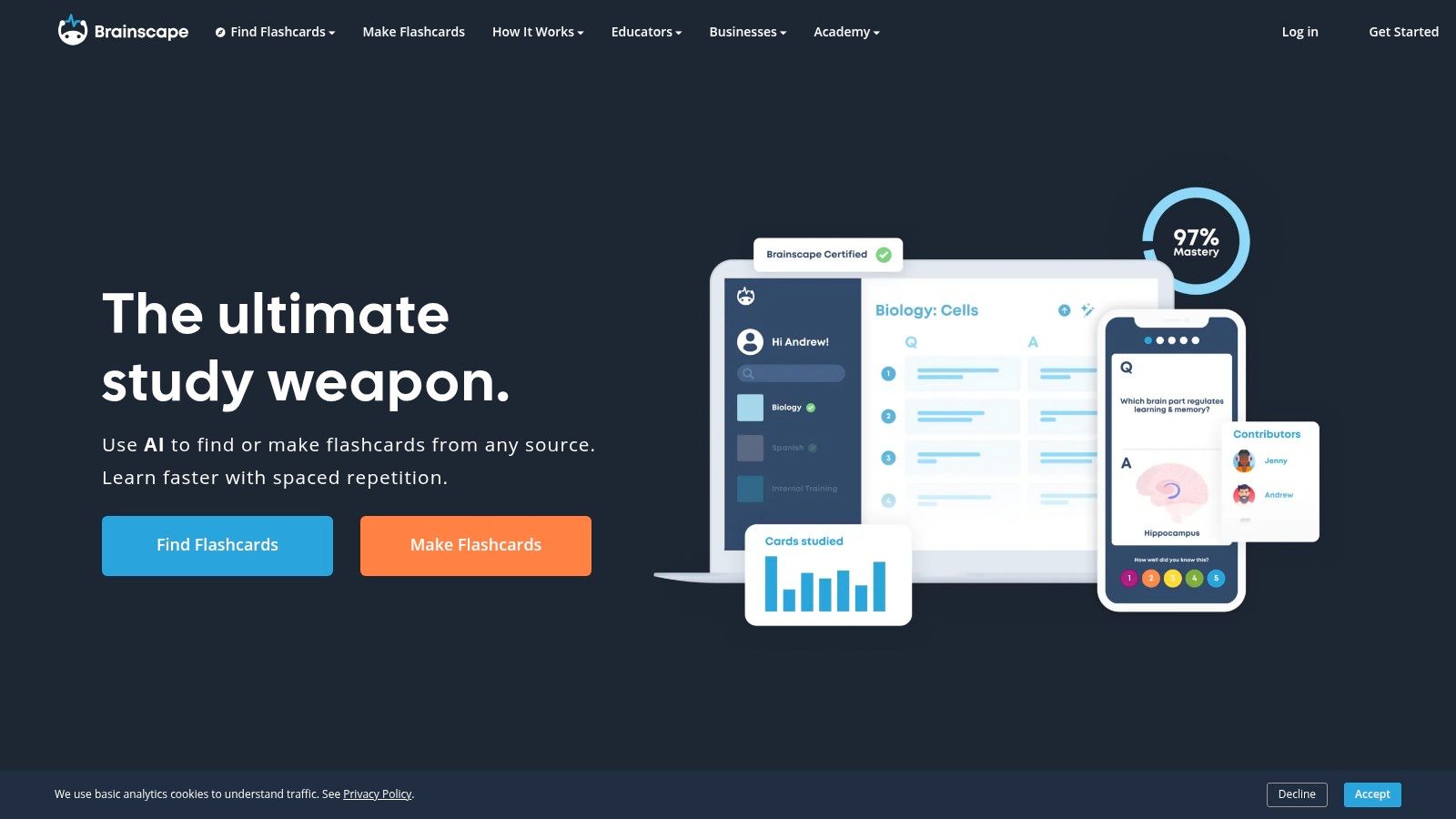
That makes honest self-assessment important. If you recognized the answer after flipping but couldn't produce it beforehand, don't rate it as secure knowledge.
For chemistry, create a card asking what information you need to calculate density. Answer from memory, then check both the relationship and the units against your notes.
- Creation options: Use AI-assisted drafting or editable cards, with image and audio support where useful.
- Review strength: Confidence ratings provide a structured way to revisit uncertain material.
- Access limits: The free plan supports unlimited study of cards you create or that are shared with you. AI generation is limited, with unlimited generation offered as a paid feature.
A meta-analysis of spaced retrieval practice in mathematics found an overall advantage for spaced over massed practice, while the testing-versus-restudying comparison wasn't statistically strong. That supports spreading review out, not assuming that every scheduling system guarantees mastery.
Brainscape is primarily a flashcard platform. Choose it for a review routine, rather than expecting a full notes-to-quizzes workspace.
6. Revisely
Want cards you can print or move elsewhere? Revisely is a practical option when you don't want your study routine tied to a single interface.
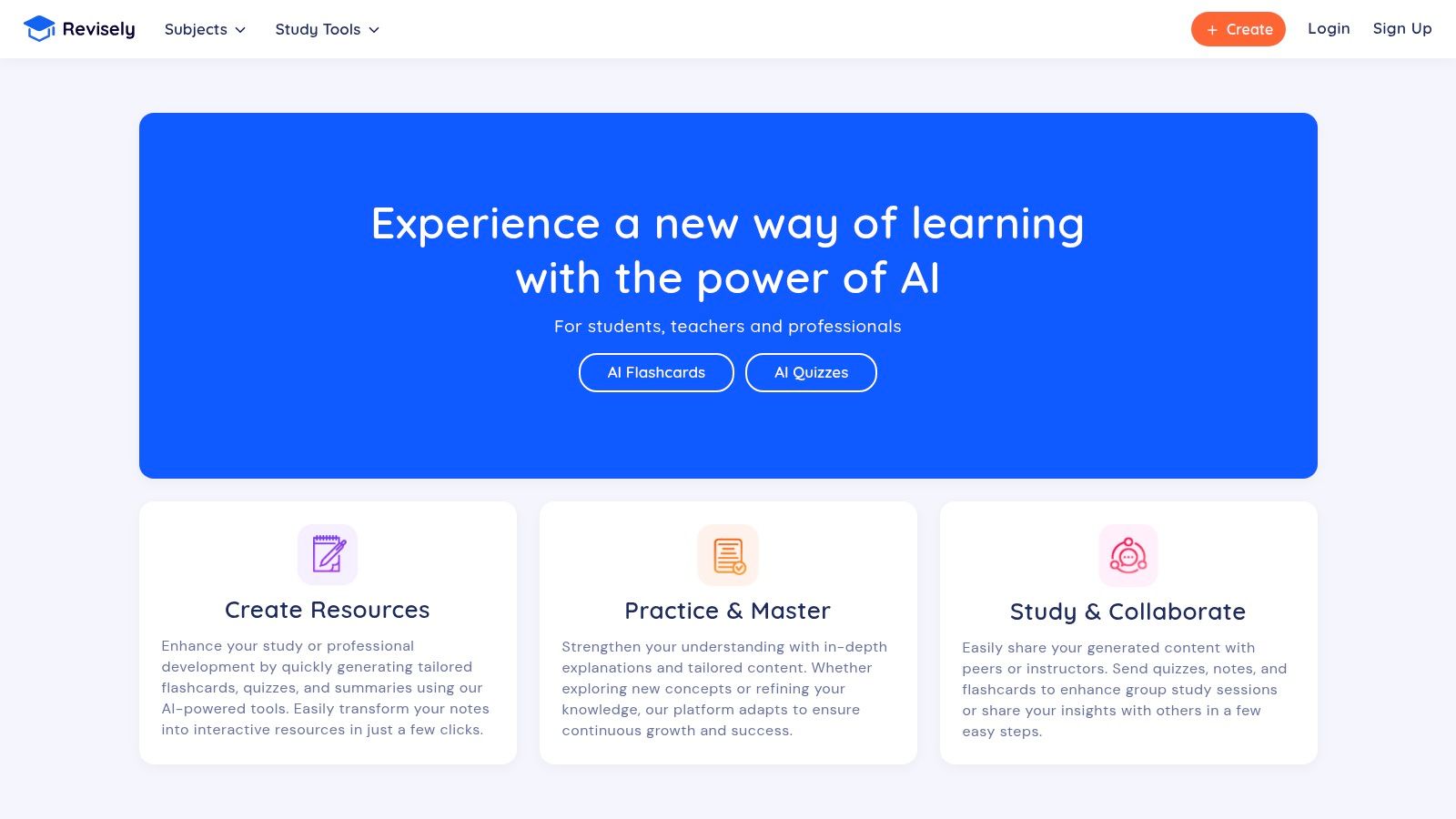
It generates cards from text, images, PDFs, Word documents, and PowerPoint files. You can also generate notes and quizzes, use review modes, and share, print, or export cards to Anki.
Build a portable review routine
For geography, upload a lesson on river processes and check that erosion, transport, and deposition remain distinct. Print the corrected cards if you prefer working away from a screen, or export them for continued digital review.
Keep a reference to the source section in each answer where possible. A printed card is harder to repair if you can't remember which passage it came from.
- Useful flexibility: Printing and export let you change study methods without recreating the deck.
- Organization trade-off: Saved materials use tags rather than folders, so choose consistent subject and unit labels.
- Plan limit: Manual cards and quizzes are available free, but AI generation and document uploads have restrictions.
Revisely's appeal is flexibility after creation, not just automatic drafting. Before importing a whole course, test whether the exported cards preserve the wording and formatting you need.
A paper deck still needs a return schedule. Separate uncertain cards from secure ones, and bring both groups back during later sessions.
7. Flashka
A diagram may need a different kind of flashcard from a vocabulary definition. Flashka supports image occlusion, which means hiding part of an image so you can recall the missing label.
It also supports cloze cards, which leave a blank in a sentence. Inputs include notes, PDFs, slides, photos, and lecture audio, with quizzes, exam simulations, progress tracking, and an AI tutor available alongside flashcards.
For biology, hide a label on a cell diagram and name the structure. Then add a separate question about its function, so you're not only memorizing its location.
- Visual practice: Use image occlusion for diagrams that match your teacher's materials.
- Audio workflow: Check cards from recorded lessons against your written notes, particularly unfamiliar terms.
- Scope control: Remove details that aren't part of the lesson or supported course content.
Practical rule: If you can label a structure but can't explain what it does, add an explanation question.
Flashka's varied formats may help when your source material includes pictures and recordings. They may be unnecessary if your goal is a simple vocabulary deck.
The free tier has daily limits for AI generation and other tools. Confirm the current allowance, and get permission before uploading classroom recordings that include other people.
8. StudyFetch
StudyFetch suits students who want to use an uploaded lesson for several kinds of practice. It creates flashcards, quizzes, and notes from materials such as PDFs, slides, pasted notes, YouTube links, and lecture recordings.
Its source connections are especially relevant when checking answers. Flashcards and quiz questions can link back to uploaded material, helping you inspect the passage behind a claim.
Follow the answer back to its source
Say your physics notes explain friction in several situations. Generate cards, then inspect whether an answer describes the particular situation in your notes or makes a claim about every possible case.
If an explanation seems incomplete, return to the source before asking the tutor for more detail. A longer AI explanation isn't automatically a more accurate one.
- Best fit: Students who want flashcards, practice tests, study plans, and tutoring around the same materials.
- Main drawback: The broader workspace may be more complicated than necessary for flashcards alone.
- Access consideration: More generations and longer files require paid access, and allowances vary by plan.
The Institute of Education Sciences practice guide recommends active retrieval and using quizzes to identify material that still needs learning. Apply that principle by turning missed questions into specific follow-up tasks.
For example, don't just repeat a missed friction card. Explain which condition you overlooked, then try a related problem without notes.
9. Google NotebookLM
When your biggest problem is finding which document supports an answer, Google NotebookLM deserves attention. It organizes added sources into notebooks and can generate flashcards and quizzes from them.
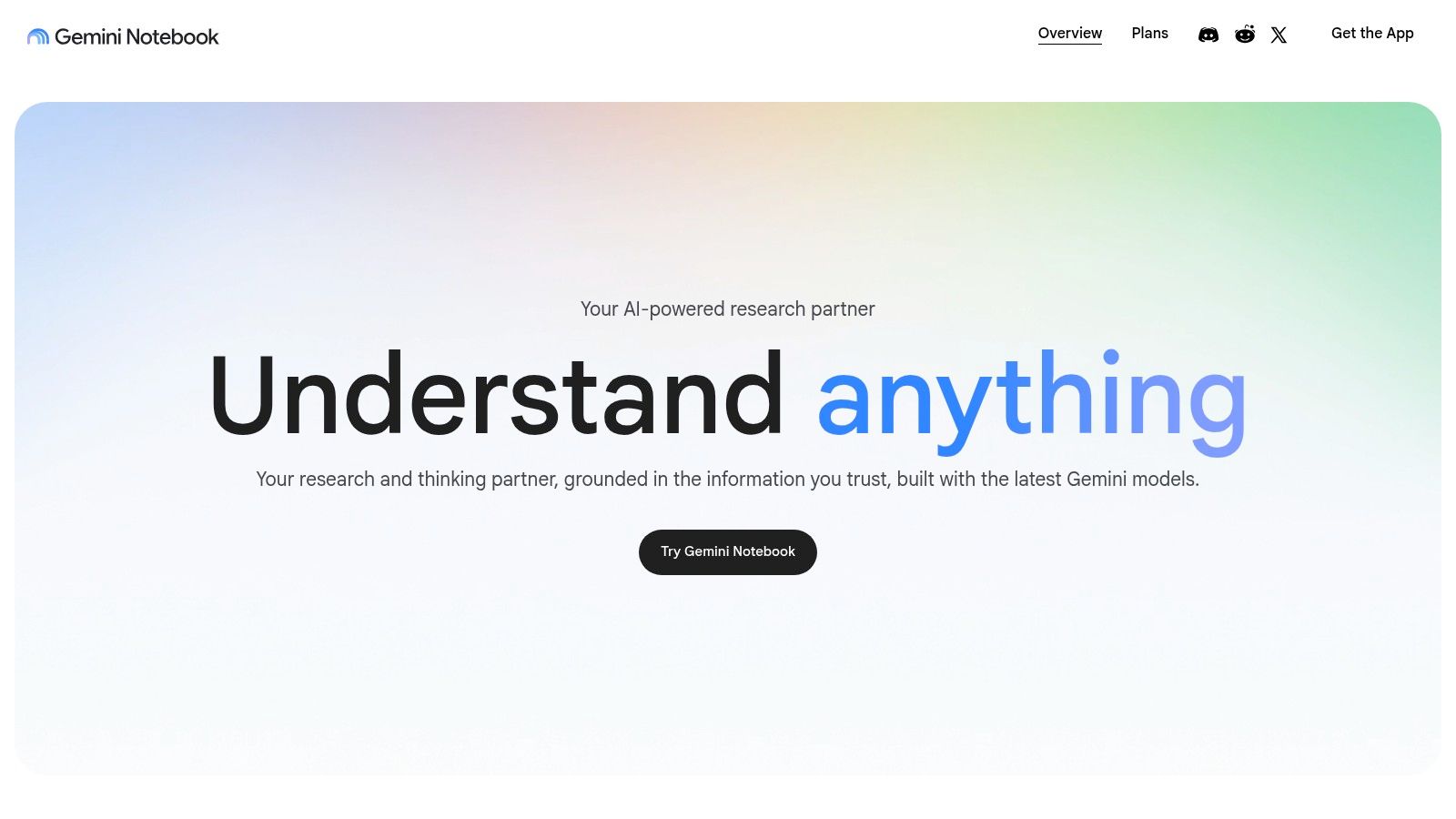
For a history assignment, add your teacher's lesson notes and the assigned primary-source excerpt. Keep unrelated background reading separate until you've checked what the assessment covers.
NotebookLM's source-grounded assistance can help you move between reading and self-testing. Still, an answer based on your documents can omit a qualification or combine passages in a misleading way.
- Source advantage: You can work with a collection of class documents rather than a detached public deck.
- Student responsibility: You need to select, name, and organize those documents yourself.
- Review limitation: Don't assume source-based card creation includes the long-term scheduling workflow you want. Check available features and set your own return reminders if needed.
This guide to generating flashcards from notes can help you think through the transition from source material to focused prompts. Keep questions specific enough that you can judge whether your answer is complete.
NotebookLM is a general-purpose notebook tool, not a grade-specific teaching platform. Free access has feature and usage limits that may vary by account, so check eligibility and current allowances with a parent or school when appropriate.
10. Anki
Anki is the strongest fit here for students who want substantial control and don't mind setup. Its core purpose is spaced-repetition review, rather than built-in AI conversion of class notes.
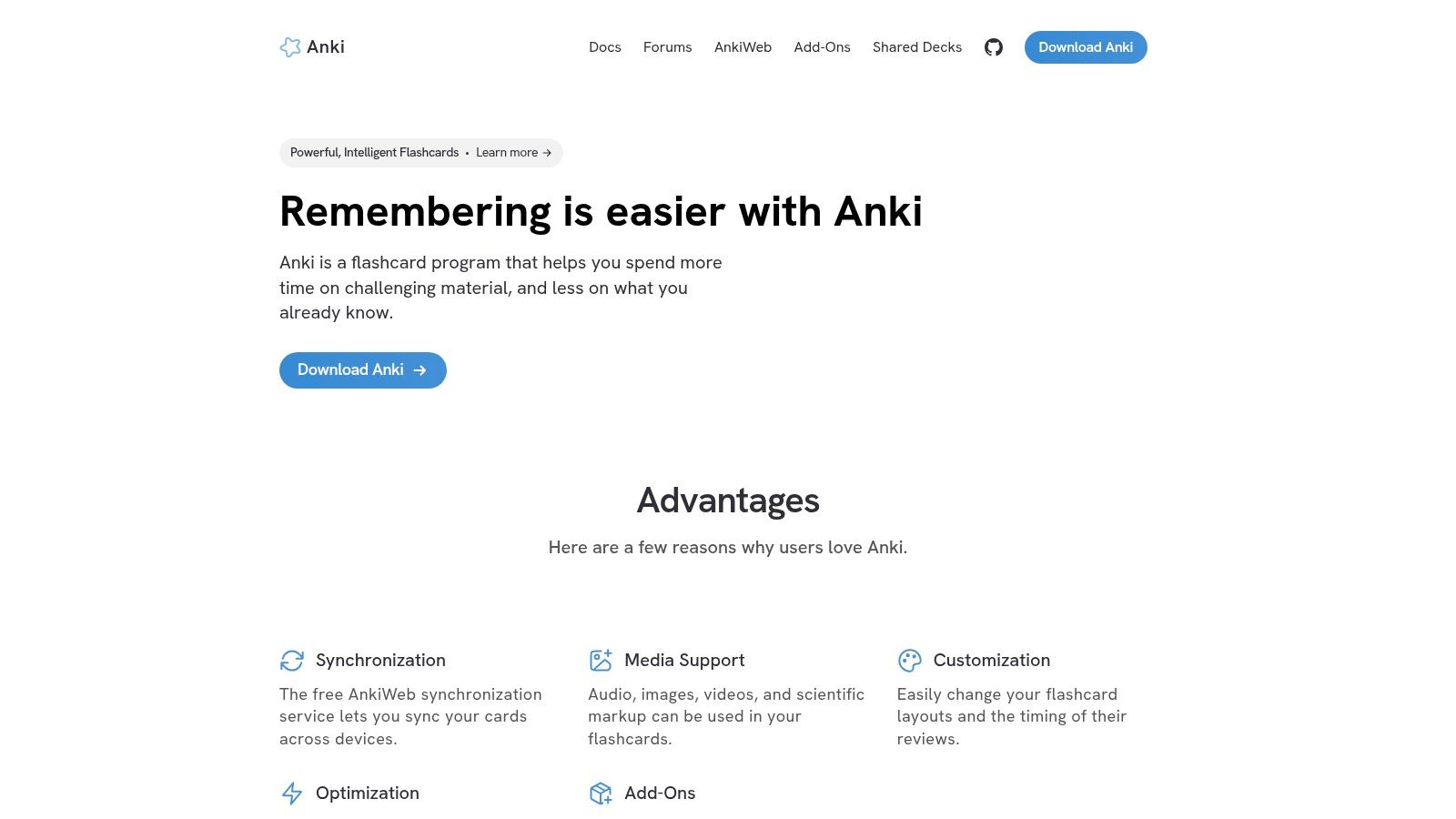
You typically write cards yourself or import a deck. Custom card types, media support, downloadable decks, and free AnkiWeb syncing make it flexible, but the interface may feel less approachable than consumer study apps.
Trade creation speed for control
For algebra, write a card asking when a particular method is appropriate. Put a short explanation and a checked example on the back, then solve a separate problem on paper.
The review of learning techniques published in Psychological Science in the Public Interest rated practice testing and distributed practice highly. That supports answering questions across separate sessions, not a claim that Anki itself guarantees better grades.
- Main strength: Detailed control over card formats and long-term review.
- Main effort: Good note-to-card conversion is largely manual unless you use another tool.
- Cost distinction: Desktop software and AnkiWeb syncing are free; the official iOS app is a separate purchase.
The explanation of active recall learning is useful when writing your own prompts. Ask a question you must answer, rather than creating a miniature page of notes.
Choose Anki if you'll maintain your deck and return for scheduled reviews. Don't choose it merely because customization sounds impressive.
How the 10 flashcard tools compare on card input, built-in AI card creation, and best use
A tool earns its place after the cards exist. Check how it handles your source notes, how it checks answers, and how it schedules review. Use the table to match your workflow to the right starting point.
| Item | Card input sources | Built-in AI card creation | Best for |
|---|---|---|---|
| Knobee AI | Notes, slides, textbook excerpts, topic descriptions, PDFs, PowerPoint, Word files | Yes; creates flashcards and quizzes from study materials | Middle- and high-school students seeking guided review and AI tutoring |
| Quizlet | Notes, PDFs, documents, Google Drive files, slides, handwritten-note photos, topic prompts | Yes; generates editable flashcards | Students who want to create cards or find existing study sets |
| Knowt | Notes, PDFs, slides, images, videos | Yes; creates cards from notes and uploaded materials | Students combining flashcards with notes, spaced repetition, and exam prep |
| Gizmo | Notes, PDFs, videos, photos, recorded lessons | Yes; creates flashcards and quizzes from learning materials | Students who prefer interactive, game-like study |
| Brainscape | Study materials and topic prompts | Yes; AI-assisted card creation | Students who want confidence-based, adaptive flashcard review |
| Revisely | Text, images, PDFs, Word files, PowerPoint | Yes; generates flashcards, quizzes, and notes | Students who want to print, share, or export cards to Anki |
| Flashka | Notes, PDFs, slides, photos, lecture audio | Yes; creates flashcards and other study materials | Students studying with visual materials or recorded lectures |
| StudyFetch | PDFs, slides, YouTube links, pasted notes, lecture recordings | Yes; creates flashcards, quizzes, and notes | Students who want multiple study tools based on the same materials |
| Google NotebookLM | Uploaded documents and other notebook sources | Yes; generates source-based flashcards and quizzes | Students studying a collection of their own class materials |
| Anki | Manually created or imported decks; text and media | No built-in AI card creation | Students who want customizable cards and spaced-repetition control |
Pick One Tool and Test It on Next Week's Notes
Choose a tool that fits your notes, your device, and how much setup you'll realistically do. A simple deck you review carefully is more useful than an elaborate workspace you avoid opening.
Start with a small trial of 10 to 15 cards from a lesson. That's a manageable starting suggestion, not a scientifically established ideal deck size. Answer each card before flipping it, and check every answer against your teacher's materials.
Check the cards before trusting the progress bar
Work through the source and the generated deck side by side before your first closed-book session. Pay particular attention to statements that sound reasonable but leave out an important condition.
- Check the meaning. Does the answer match the lesson, or has it changed the explanation?
- Check technical details. Preserve signs, units, chemical formulas, and conditions.
- Split overloaded prompts. Separate questions that ask for unrelated facts.
- Add application. Include a question that asks you to use an idea, not just define it.
- Record uncertainty. Flag anything you need to ask your teacher about.
For example, a definition card about evaporation can sit beside a question asking how evaporation differs from boiling. The first checks terminology. The second asks whether you understand the distinction.
Return after the first successful attempt
After a week, look at which cards you missed and adjust the wording or review plan. If you keep missing a card, ask whether the problem is memory, an unclear question, or a concept you haven't understood yet.
The Institute of Education Sciences guidance on spacing recommends returning to important course material after delays. Keep useful cards available beyond the next test rather than treating a completed deck as finished learning.
- For spoken practice: Answer aloud before checking, and verify that you included the essential ideas.
- For reading-based practice: Read to understand first, then close the source and retrieve.
- For mathematics and science: Pair cards with worked problems and explanations.
- For families: Ask students to explain a missed answer rather than focusing only on completion.
You don't need to automate every part of studying. Let the tool organize material and support review, while you keep responsibility for checking, explaining, and asking for help.
Knobee AI turns your notes and uploaded course materials into flashcards, quizzes, and short daily reviews, with Kno available to guide your reasoning. Visit Knobee AI and try a checked Study Set from your next lesson to see whether the workflow fits your routine.